Real-time rep counts
After the ready setup, a calibrated depth-target band shows how far your shoulders need to travel; it is a counting cue, not a complete form assessment.
Set up your phone, train at your pace, and keep a clear record of each session.
Motion is understood on your device; raw training footage is not uploaded for the core workout flow.
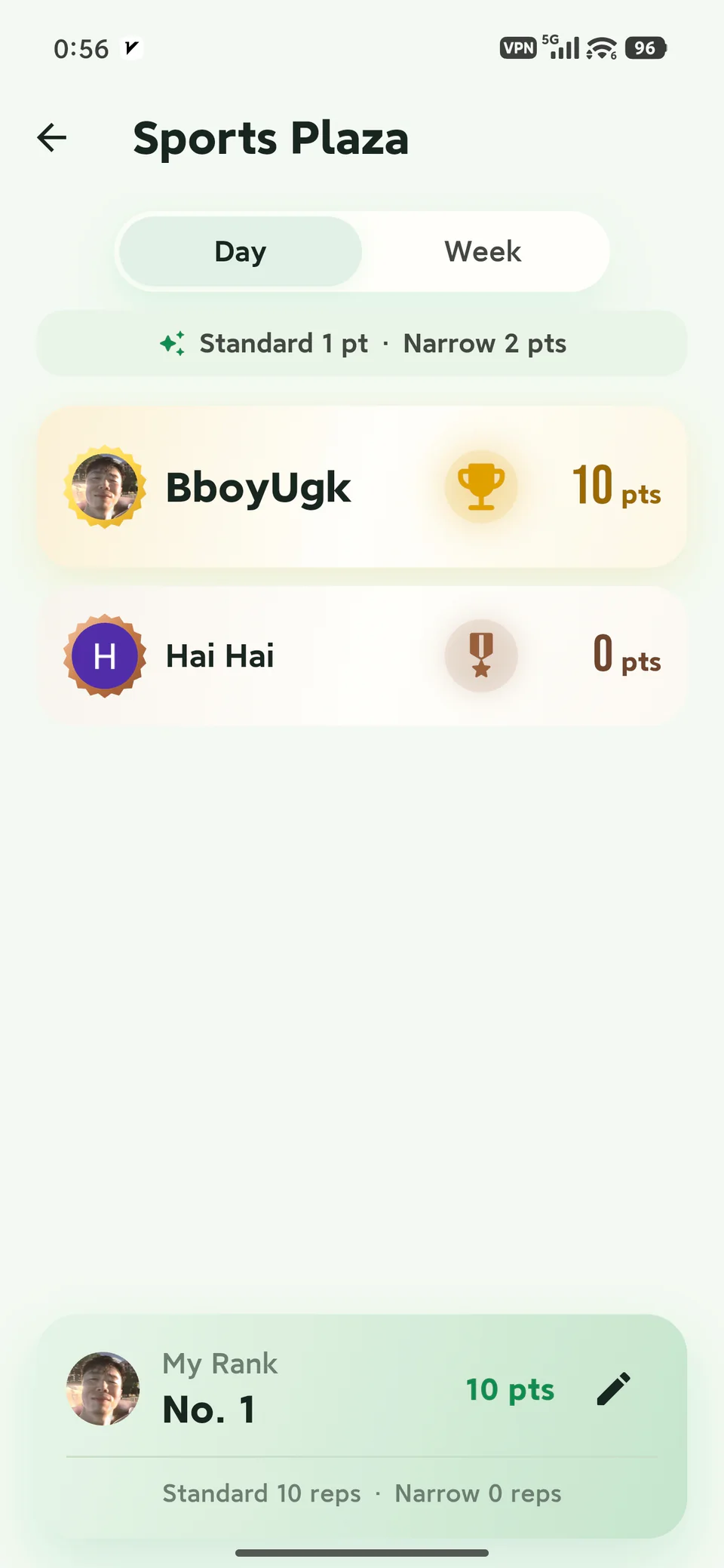
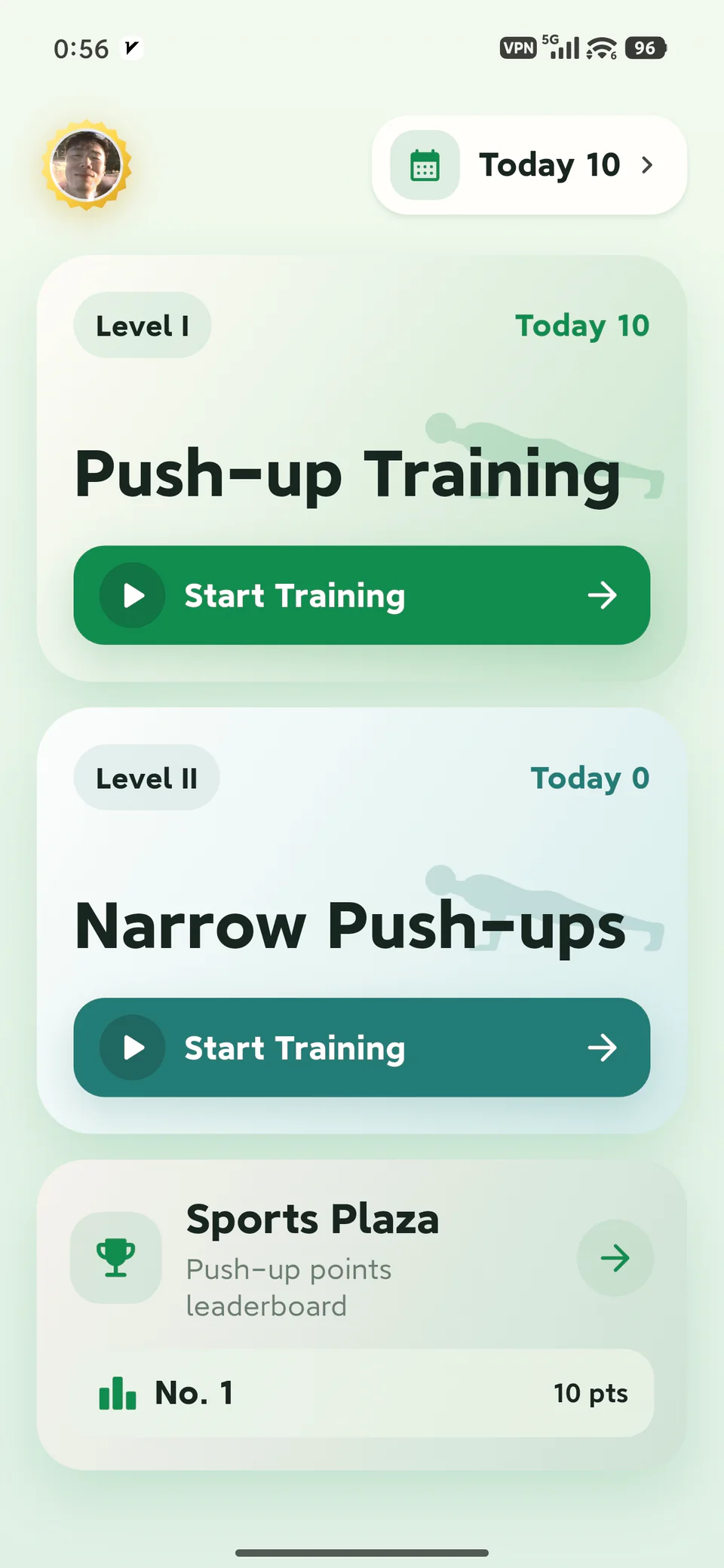
Training first
Let the camera observe the session while you keep your attention on the movement.
After the ready setup, a calibrated depth-target band shows how far your shoulders need to travel; it is a counting cue, not a complete form assessment.
Pose recognition and core rep counting happen on the phone; raw camera frames are not uploaded for the basic workout.
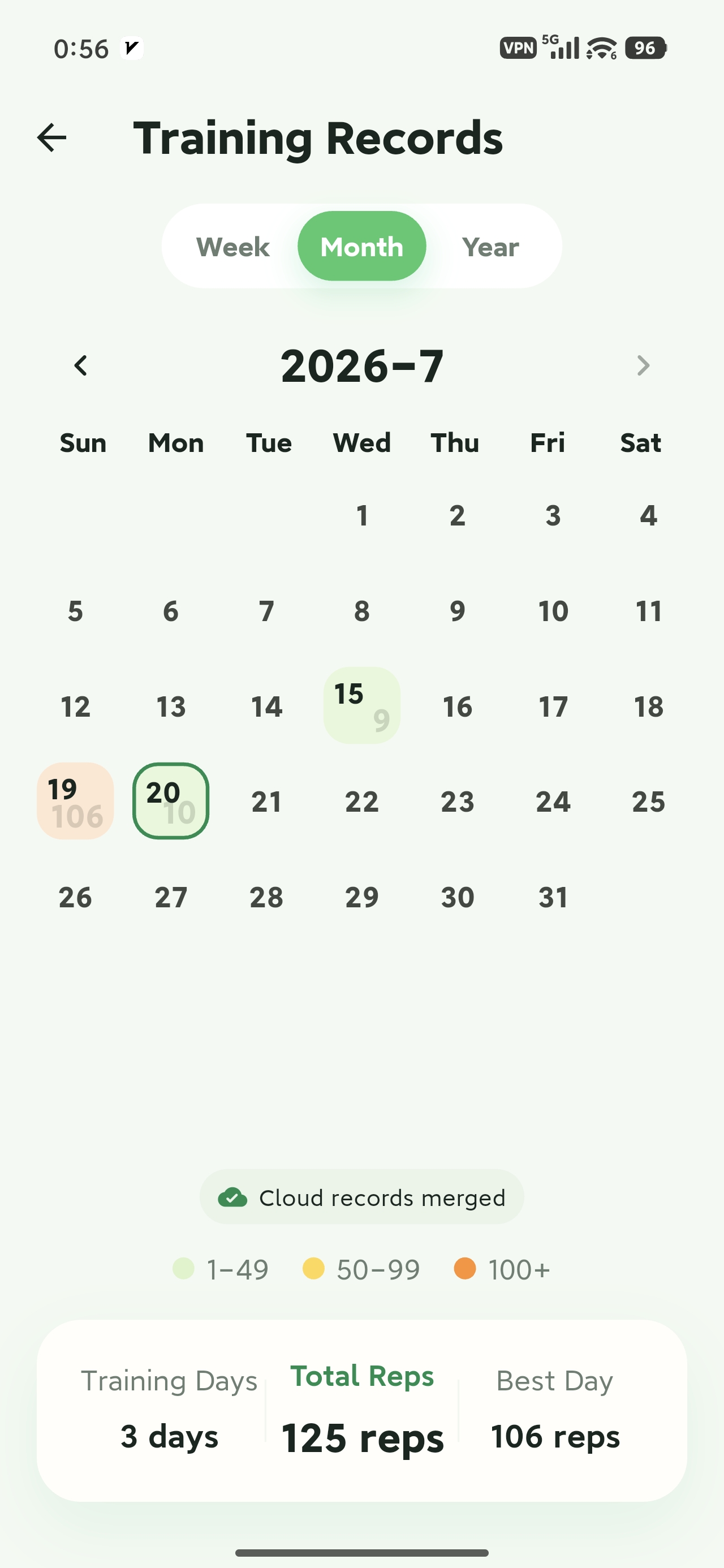
Voice cues support the set, while counts and session time give you a simple way to look back at practice.
From start to record
Choose a type, complete the ready setup, and keep the record after the session.
Three steps
You do not need wearable hardware or a complicated setup: a stable phone view is the starting point.
Place it directly in front of you and keep the view steady.
Keep your head, shoulders, and torso visible, then follow the ready prompt.
Focus on the movement while PushupAI supports the count and session record.
The current app supports solo standard and narrow push-up sessions. The workout screen stays on during the set, and a fixed front view helps provide a steadier experience.
Before your first set
Read the setup and product-boundary details before you start, not after a confusing session.
Open the privacy policy for the current account and service terms.
Send feedback or questions to mhgd3250905@gmail.com.